Registration can begin before your project is fully formed. The goal of this first pass is to create the fair account and a workable placeholder—not to pretend that your question, category, or final materials are already settled.
Open the official registration portal
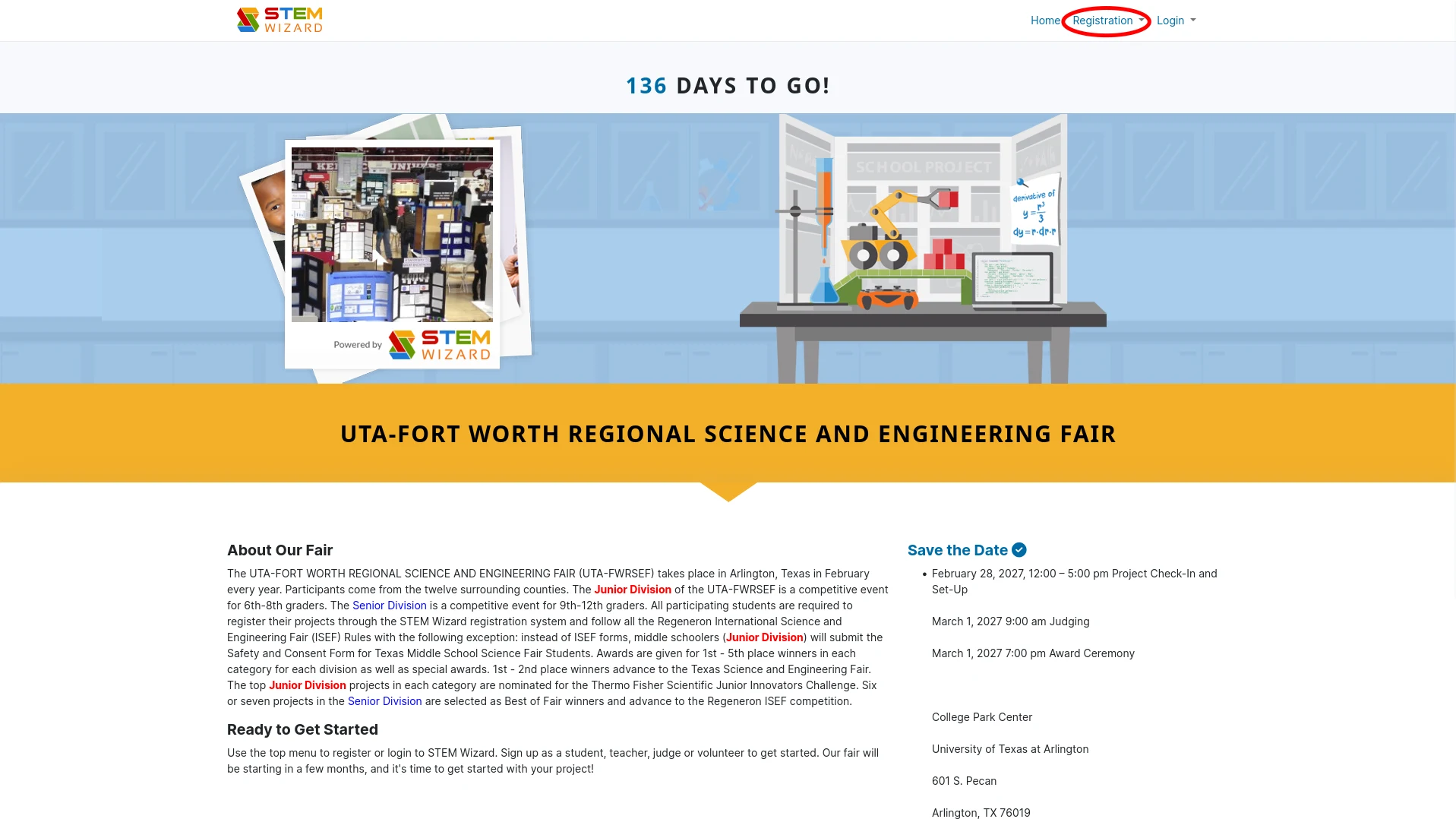
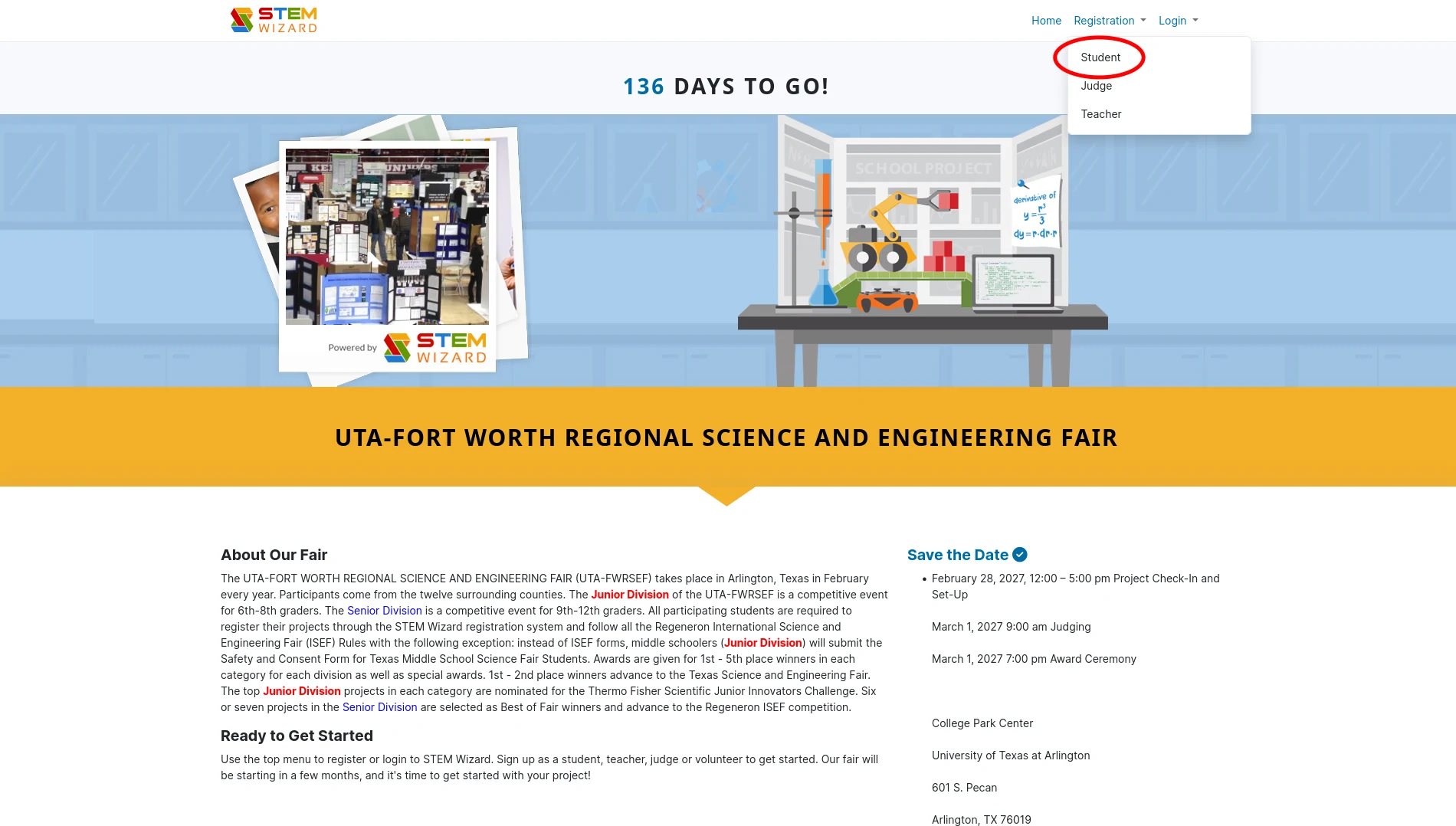
Go to fwrsef.stemwizard.com. Choose Registration in the top navigation, then choose Student.
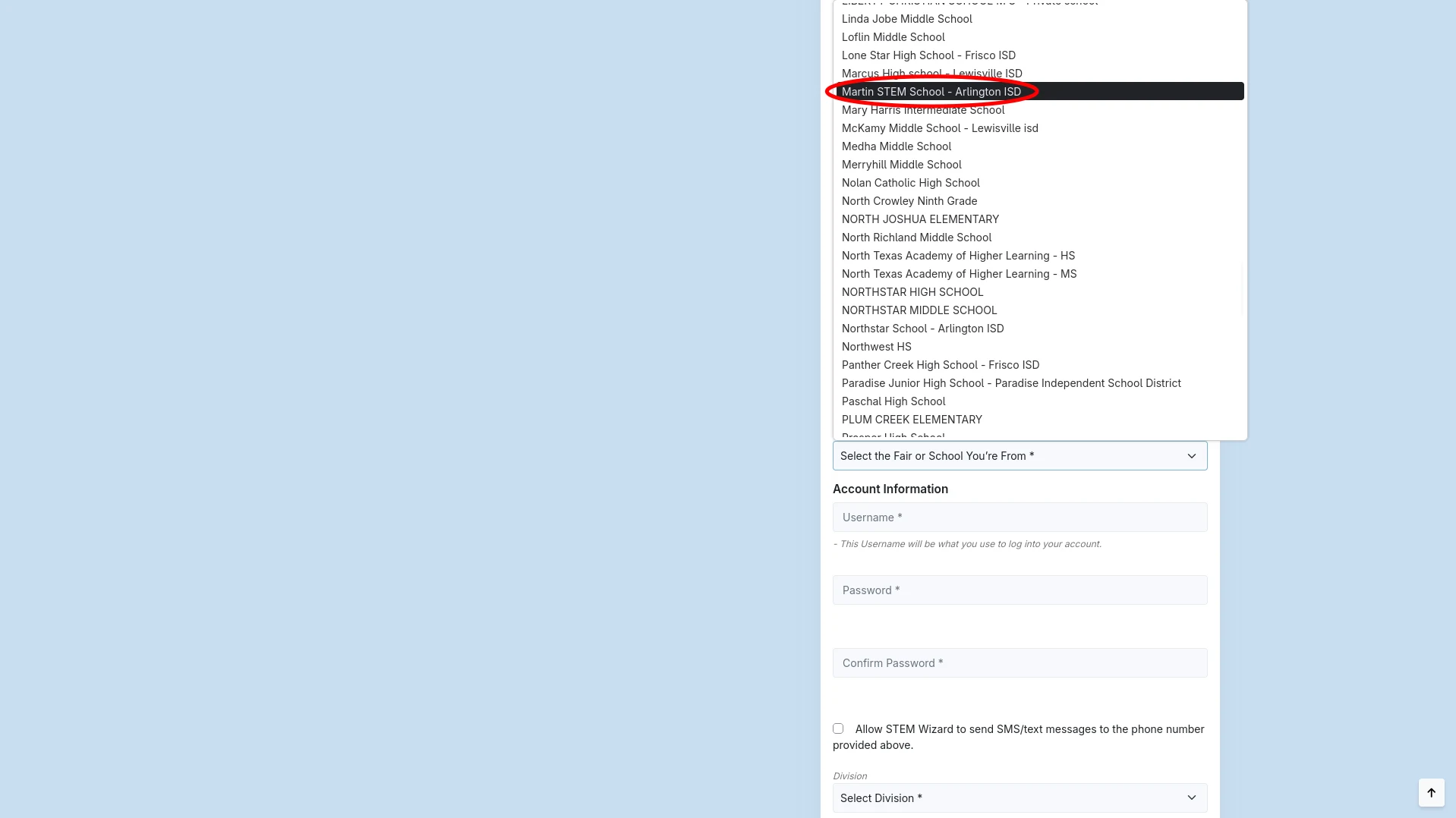
When the school list appears, choose Martin STEM School – Arlington ISD. This is the school entry the fair was originally registered under; choosing it is okay even if you are not enrolled in the STEM program. It is an administrative registration choice, not a statement about the limits of your project.
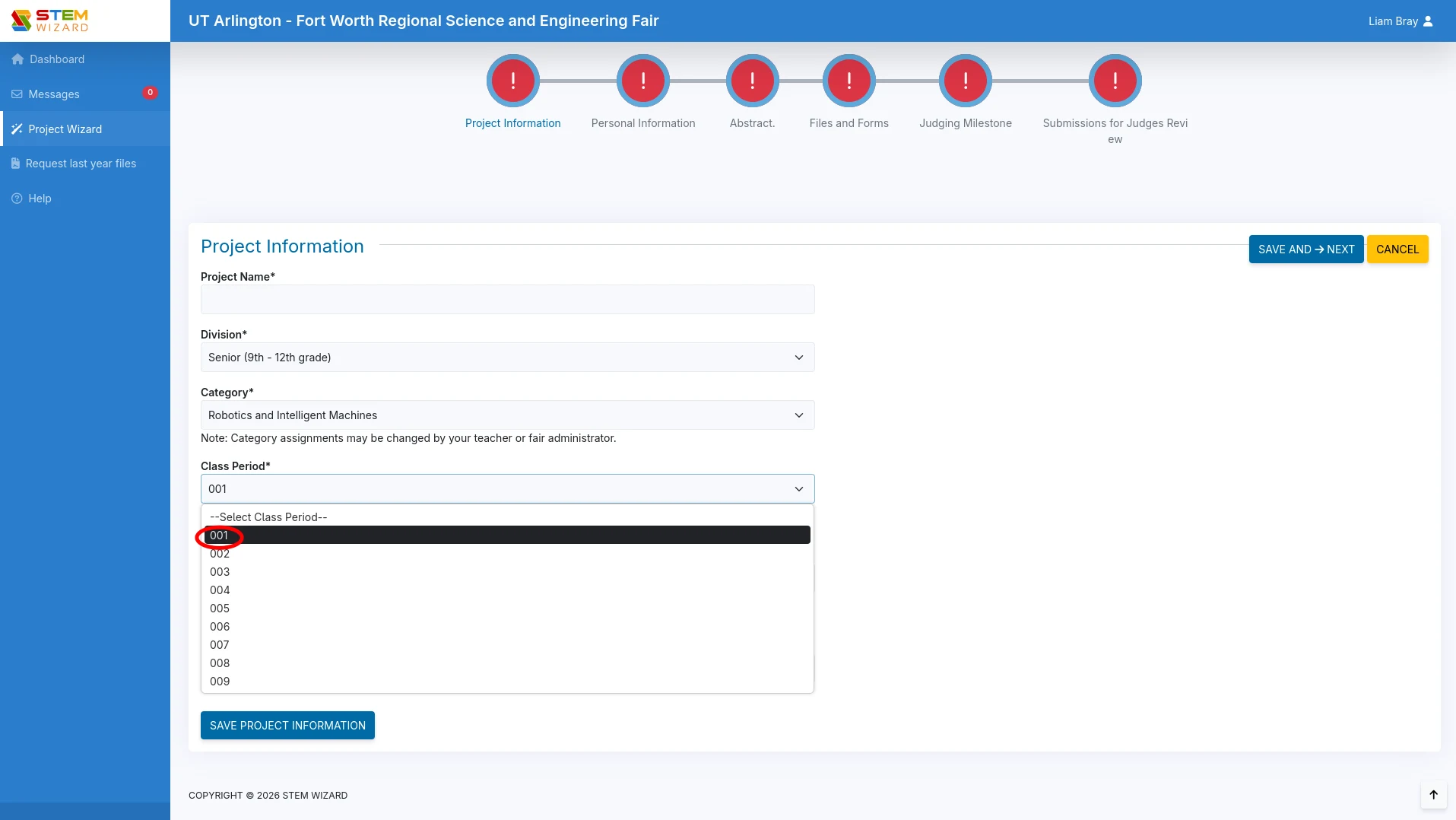
Choose Senior Division (9th–12th grade). For Class Period, a temporary selection such as 001 is fine. You can correct details later if the fair or your teacher asks for a different value.
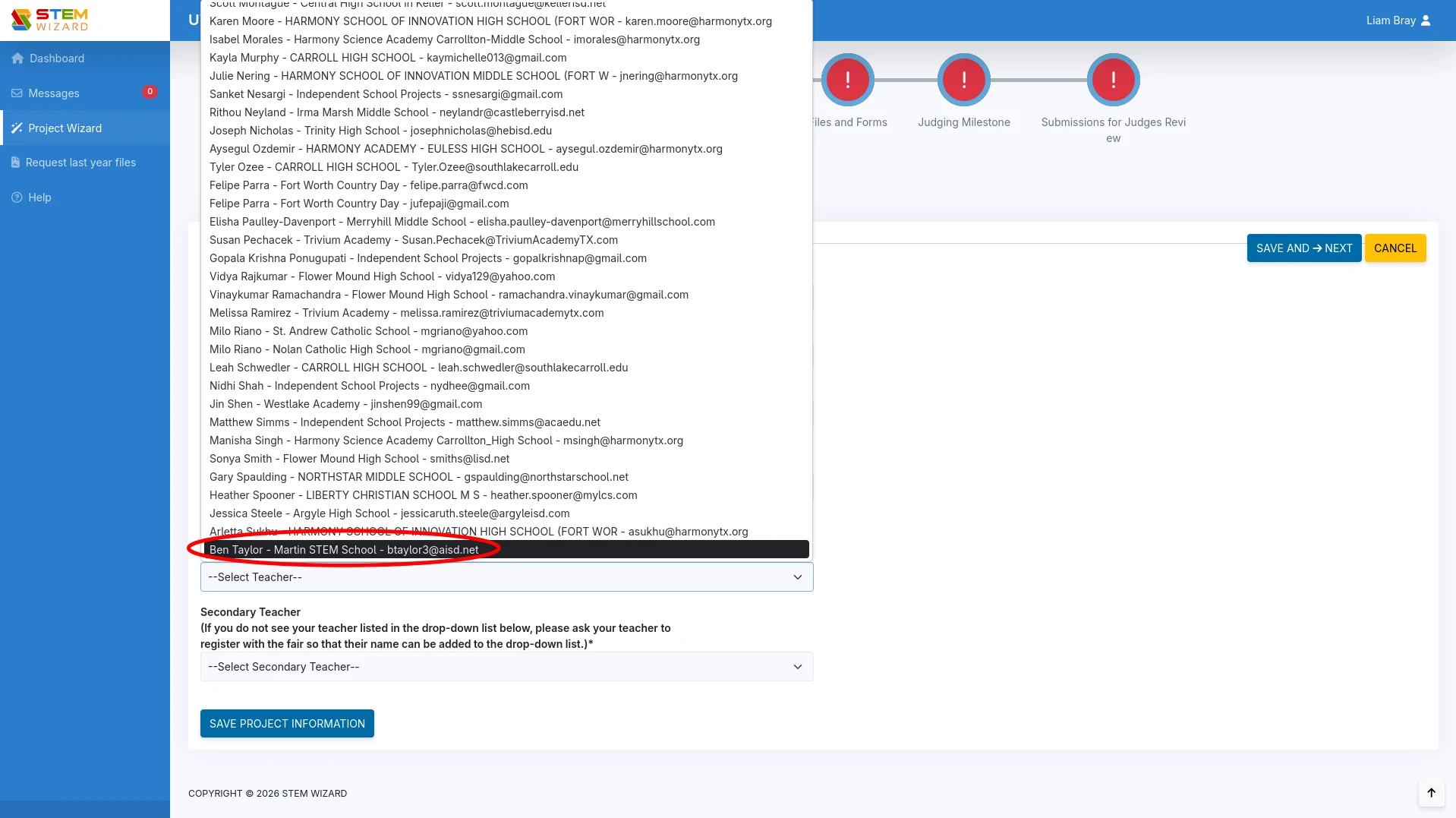
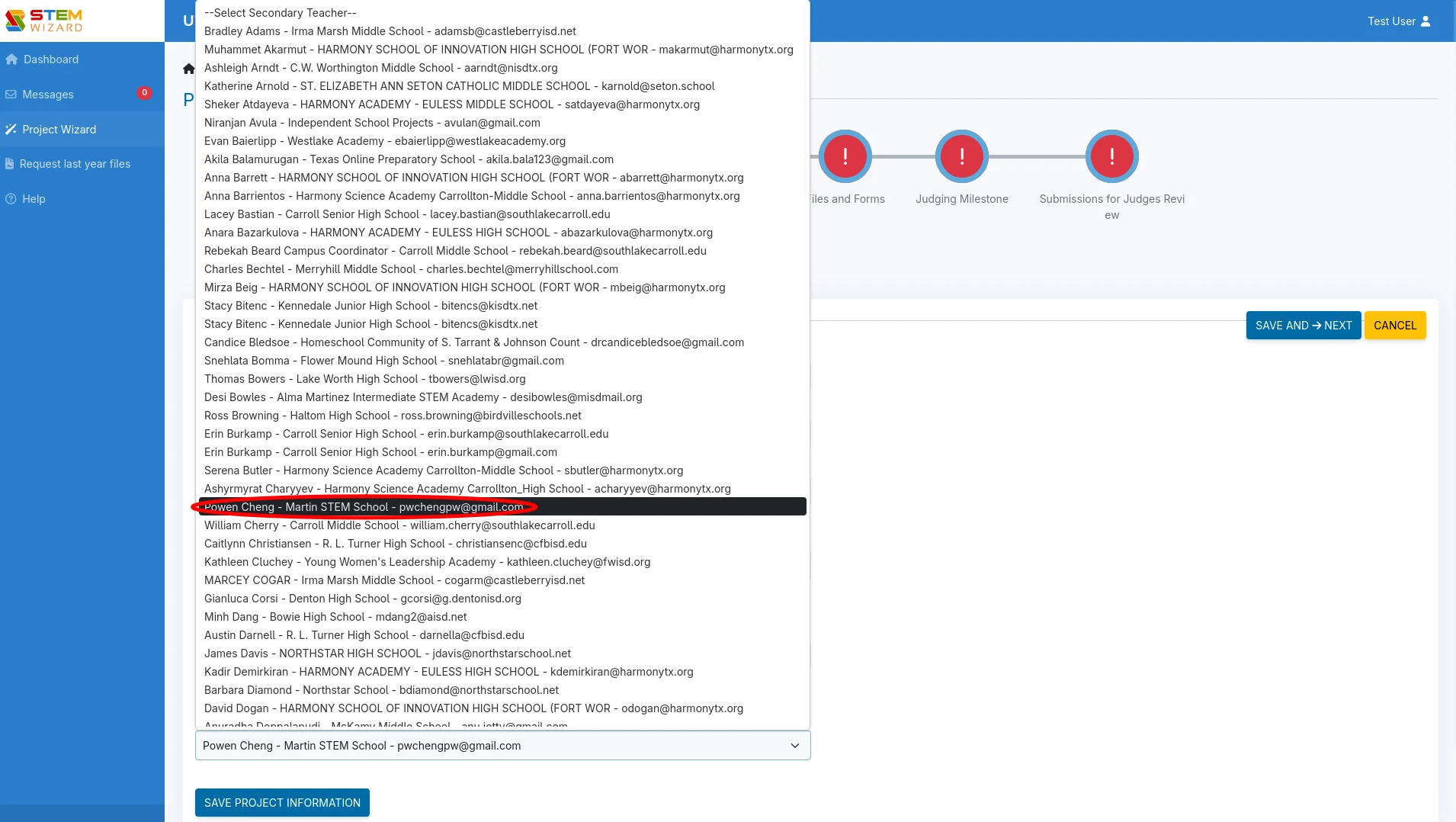
For Teacher, select Ben Taylor for now. Caitlin Quinn or Brandon Searcey can be selected in the future; currently they are still being approved, so only Ben appears in the list. For Secondary Teacher, choose Powen Cheng for now.
Use a placeholder project name if you need one. Something like “Project idea — working title” is enough to get through registration. Replace it when your question and team are clearer; the placeholder is not your final title.
Choose a provisional category
Pick the category closest to what you are currently interested in. This is a starting classification, not a permanent commitment. As your question, method, or evidence develops, the category may make more sense—or a different category may fit better.
If the category turns out to be wrong, ask about changing it before the fair. You can change it the day before the fair if there is an issue with the original choice. Keep the category honest to the project you are actually developing, and confirm any final change with the fair or your teacher.
Start the forms before you experiment
Do not wait until results exist to think about safety and approval. Review the current ISEF and regional-fair requirements while you are developing the idea. Complete the relevant safety forms and other required ISEF paperwork before experimentation begins. Some projects need additional review, adult supervision, approvals, or documentation; the correct requirements depend on the materials, organisms, participants, and methods involved.
If you are unsure whether a form applies, pause and ask a teacher or fair contact. A registration record does not authorize an experiment, and a promising idea is not worth risking an avoidable compliance problem.
The three main pieces you are building
Your largest submissions will develop over time:
- Virtual project board: the organized project workspace in STEM Wizard. It holds the project identity, progress, files, and the information the fair needs to review.
- Research plan: the plan for what you are asking, why it matters, how you will test or investigate it, what you will measure, and how you will handle safety and limitations. Write it before the work so the method is deliberate rather than reconstructed afterward.
- Abstract: a short, readable summary of the finished project—its question or purpose, method, most important result, and conclusion. It comes after the work has enough evidence to summarize honestly.
The registration starts the record. Your research question, approvals, plan, project board, results, and abstract can become more precise as the project develops.
A sensible first session
- Create the student registration with the temporary details above.
- Save the placeholder title and provisional category.
- Open the safety and ISEF forms and mark which ones need teacher review.
- Replace the placeholder with a one-sentence question when you have one.
- Build the research plan before collecting data or beginning experimentation.
Keep the official STEM Wizard portal bookmarked. The portal and your teacher are the source of truth for current deadlines, required forms, category changes, and submission rules.
Primary sources
Go deeper
Use these first-party references to check rules, study the method further, or adapt this guide to your field.